
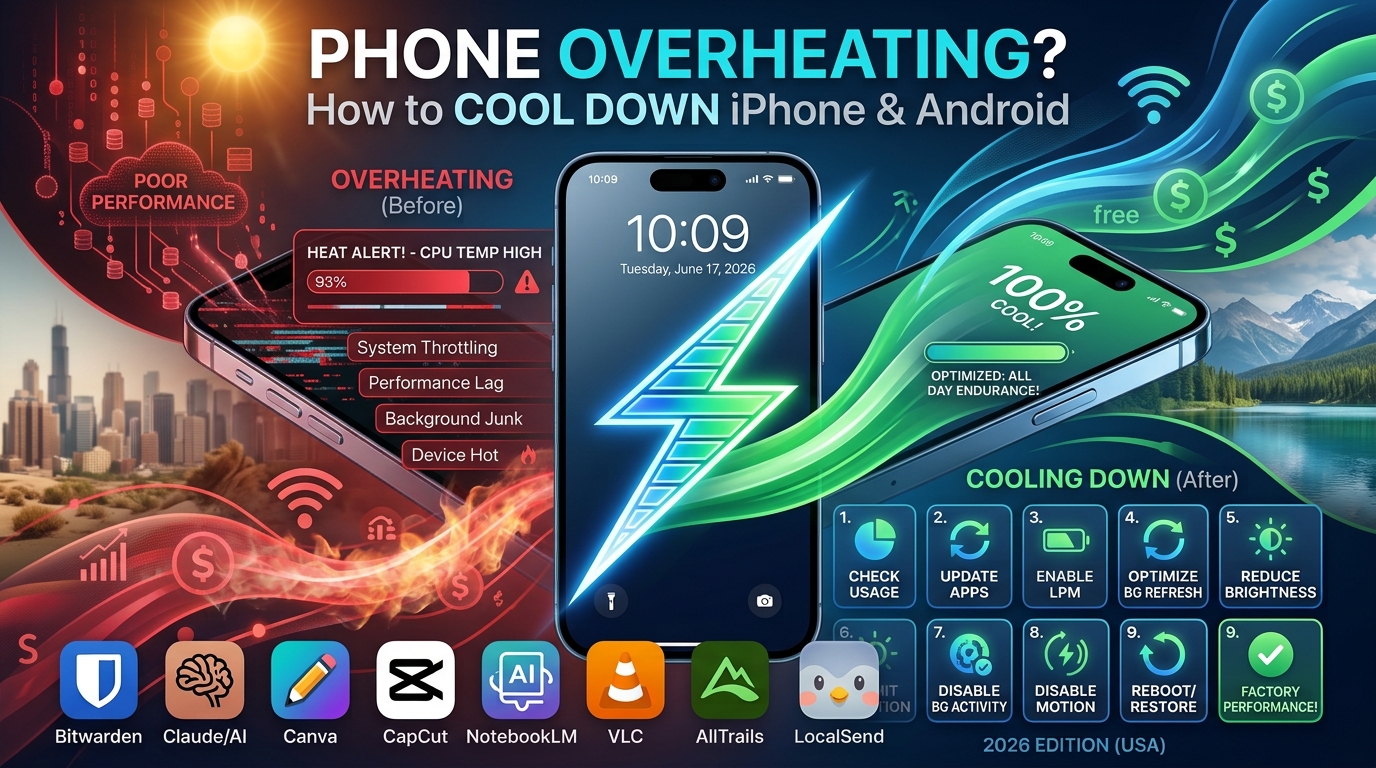
There is nothing quite as alarming as reaching for your phone on a hot summer afternoon, only to find the back of the device burning to the touch. You see the screen dim automatically, apps start lagging, or worse—you get a scary “Temperature Warning” message on your display.
In my years of troubleshooting mobile tech, I’ve found that overheating is rarely a hardware failure. It is almost always a combination of environmental factors and software strain. Whether you are rocking the latest iPhone or a budget-friendly Android, your device is essentially a small computer that struggles to dissipate heat when the ambient temperature rises.
If your phone is constantly running hot during the summer, don’t panic. In this guide, I’ll show you exactly how to manage your device’s thermal levels safely, effectively, and without needing a repair shop.
Why Do Phones Overheat in the Summer?
To solve the problem, we first have to understand the science. Smartphones rely on a “passive cooling” system—they use their metal or glass frames to pull heat away from the processor (the chip).
When it is 35°C (95°F) outside, the air isn’t cool enough to help that heat escape. When you add direct sunlight, background processes, and high-performance apps into the mix, the internal components reach a critical threshold where they must throttle performance—or shut down entirely—to prevent permanent damage to the battery.
Common Culprits of Excessive Heat
-
Direct Sunlight: The greenhouse effect inside your phone case is real.
-
Charging while Using: Fast charging generates significant heat; adding a heavy game on top creates a “thermal runaway” effect.
-
Resource-Heavy Apps: GPS navigation, high-frame-rate gaming, and 4K video recording force the processor to work at max capacity.
-
Weak Cellular Signal: When your phone struggles to find a signal, it boosts its antenna power, which consumes more battery and generates heat.
Immediate Steps to Cool Down a Hot Phone
If your phone is currently overheating, do not put it in the freezer. Sudden temperature changes cause condensation inside the device, which can lead to permanent water damage—an irony that has ruined more phones than the heat itself.
Instead, follow these gentle cooling steps:
-
Remove the Case: Most cases act as insulators. Taking it off allows the heat to radiate away from the phone’s body much faster.
-
Stop All Activity: Close all open apps and stop whatever you are doing. If you are navigating with GPS, pull over and let the phone rest.
-
Enable Airplane Mode: This kills the radio connections (Bluetooth, Wi-Fi, Cellular) that are often driving background heat.
-
Find Shade and Airflow: Place the phone in a shaded area. If you’re in a car, don’t leave it on the dashboard; place it near an A/C vent, but do not blast it with freezing cold air—keep it cool, not ice-cold.
Settings to Prevent Future Overheating
You can proactively configure your device to “run cooler” during the summer months. These small tweaks reduce the workload on your CPU and battery.
1. Lower Your Screen Brightness
The display is one of the biggest heat generators. On a sunny day, our phones automatically crank the brightness to the maximum, which burns through battery and generates heat rapidly. Manually lower your brightness or use Auto-Brightness to keep it at a manageable level.
2. Turn Off Background App Refresh
Many apps update data in the background without you knowing.
-
iPhone: Go to Settings > General > Background App Refresh and turn it off for non-essential apps.
-
Android: Go to Settings > Apps, select the app, and look for Battery or Data usage to restrict background activity.
3. Disable High-Performance Features
You don’t need 5G, 120Hz refresh rates, or location services active while sitting at the beach. Toggle these off in your Quick Settings panel when you know you’ll be outdoors for a while.
Best Practices for Charging in Hot Weather
Charging your phone is a chemical process that naturally produces heat. In the summer, this can push a phone over the edge.
-
Avoid Fast Charging: If you notice your phone getting hot while plugged in, switch to a lower-wattage charger (like an old 5W brick). It takes longer, but it keeps the battery temperature stable.
-
Charge in a Cool Spot: Never charge your phone under a pillow or on a bedspread where heat cannot escape. Always place it on a hard, cool surface like a wooden table or granite countertop.
-
Unplug at 80%: Charging the final 20% to reach 100% generates more heat than the rest of the charging cycle. If you are in a hot environment, stopping at 80% can significantly reduce thermal stress.
When Is Overheating a Hardware Problem?
Sometimes, your phone shouldn’t be overheating, but it is. If your device gets hot while sitting idle in a cool room with no apps open, you may have a deeper issue.
Signs of a Failing Battery
-
Battery Swelling: If the screen begins to lift or the back of the phone looks slightly curved, stop using it immediately. A swollen lithium-ion battery is a fire hazard.
-
Rapid Draining: If the percentage drops significantly even when the phone is not in use, the battery may be degrading and struggling to hold a charge efficiently.
Software Glitches
Occasionally, a buggy app update can cause a “CPU loop,” where a process runs constantly in the background. Check your battery usage stats in Settings—if an app you barely use is taking up 30% of your battery in one day, uninstall it or update it.
Summary Checklist for Summer Tech Safety
Keeping your phone healthy during the heat isn’t about being perfect; it’s about being aware. Use this quick summary to keep your device running smooth all season long:
-
Avoid the Sun: Keep your phone in your pocket, bag, or shade.
-
Case Off: If the phone feels warm, remove the protective layer.
-
Optimize Apps: Close demanding apps (Maps, Games) when not in use.
-
Cool Charging: Use slower chargers and hard surfaces.
-
Airflow: Never leave your phone in a parked car—even for “just a minute.”
Frequently Asked Questions (FAQs)
Is it okay to put my phone in the fridge to cool it down?
No. Putting your phone in a fridge or freezer can cause internal condensation. When the moisture hits the cold circuits, it creates short circuits that are often fatal to the motherboard. Stick to room-temperature airflow.
Will overheating permanently damage my battery?
Occasional overheating usually won’t destroy your phone, but chronic heat exposure will definitely degrade the chemical health of your battery. It reduces the total capacity the battery can hold, meaning your phone will die faster over time.
Why does my phone heat up while using GPS?
Navigation apps require three power-hungry systems simultaneously: the GPS receiver (to track location), the cellular radio (to download maps/traffic), and the screen (to keep the display on). It is the “perfect storm” for heat generation.
Does a “Clear” or “Transparent” case stay cooler?
Not necessarily. Heat absorption is mostly about the material density. Plastic and silicone cases are insulators regardless of color. Thin, hard-shell cases or those with ventilation cutouts are usually better for heat dissipation than thick rubberized ones.
Should I turn my phone off when it overheats?
Yes, if the device is unresponsive or showing a temperature warning. Powering it off stops all electrical current, allowing the components to cool down as quickly as possible without active software strain.