
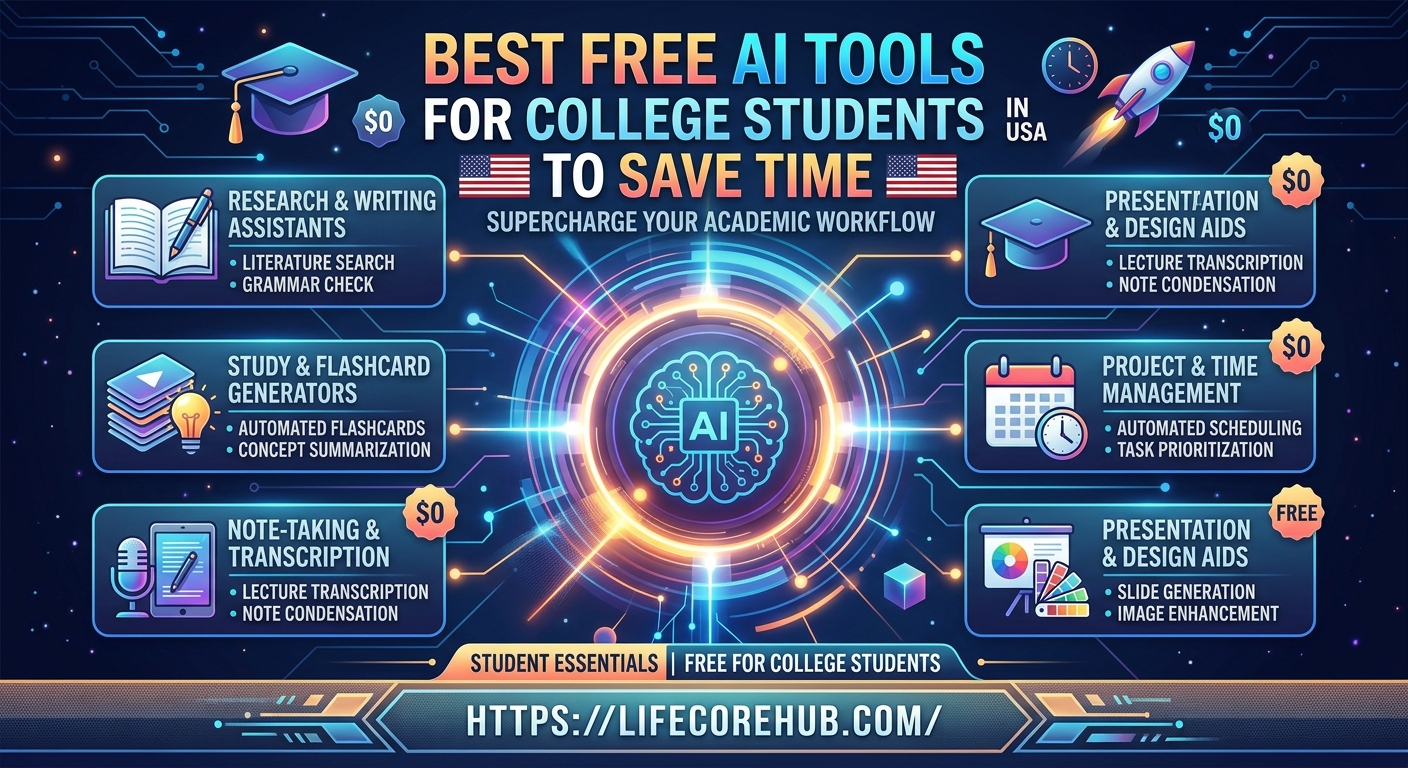
Are you constantly drowning in a sea of lecture notes, endless textbook readings, and looming deadlines? Balancing a full course load, part-time work, and a social life in 2026 is tougher than ever. Many students are turning to artificial intelligence to keep their heads above water, and the good news is that you don’t need an expensive subscription to gain an academic edge.
Learning how to leverage the best free AI tools for college students is the smartest way to reclaim your time without sacrificing your grades. Whether you need help summarizing massive PDFs, transcribing fast-paced lectures, or polishing your essay drafts, this guide covers the essential “study stack” to help you work smarter, not harder.
1. Google NotebookLM: The Ultimate Research Assistant
If you have massive PDFs, syllabi, or lecture slides, Google NotebookLM is the gold standard. Unlike generic chatbots, this tool allows you to upload your specific course materials, creating a “grounded” AI assistant that answers questions only using the documents you provide.
-
Best for: Generating custom study guides, flashcards, and practice quizzes.
-
Time-Saver: It turns hours of manual skimming into minutes of high-yield review.
2. Otter.ai: Never Miss a Lecture Detail
Trying to type every word your professor says is a recipe for missing the big picture. Otter.ai records audio in real-time and generates a searchable, accurate transcript. The free tier offers a generous monthly allowance of transcription minutes—perfect for a full-time student’s core classes.
-
Best for: Students who need to focus on active listening rather than frantic note-taking.
3. Perplexity AI: Research with Verified Citations
Stop wasting time sifting through irrelevant Google search results. Perplexity AI acts as an intelligent search engine, providing direct answers to your questions while citing academic sources and websites for every single claim.
-
Best for: Rapid fact-checking and finding credible sources for research papers.
-
Why it’s safe: It helps you avoid the “hallucinations” common in other AI models by showing exactly where the information came from.
4. Notion AI: Organize Your “Second Brain”
If you already use Notion to organize your life, its integrated AI features are a massive time-saver. You can take messy, handwritten lecture notes, paste them into a page, and ask the AI to “summarize into bullet points” or “format as a study table.”
-
Best for: Turning unorganized class notes into clean, actionable study plans.
5. Grammarly: Professional Polish for Every Draft
Even the best writers make typos during late-night essay marathons. The free version of Grammarly catches grammar, punctuation, and clarity errors in real-time. It acts as an essential final safety net for your emails to professors and your final essay submissions.
6. QuillBot: Paraphrasing and Citations
“Blank page syndrome” is real. QuillBot provides multiple ways to rewrite clunky sentences while maintaining your original meaning. It also includes a free, built-in citation generator for APA, MLA, and Chicago styles, saving you the headache of manual bibliography formatting.
7. Gamma AI: Create Presentations in Seconds
Dreading a group project presentation? Gamma AI can generate an entire professional slide deck from a single text prompt. You provide the outline, and it handles the layout, design, and imagery, leaving you to focus on practicing your speech.
8. Photomath: STEM Problem Solver
For math and science students, Photomath is a lifesaver. You can use your phone camera to scan complex equations, and the app provides step-by-step solutions rather than just the final answer, helping you actually understand the process.
Recommended “Time-Saving” Workflow
Don’t use all these tools simultaneously. Try this simple loop for your next major assignment:
-
Record: Use Otter.ai in class to capture the lecture.
-
Organize: Paste the transcript into Notion to summarize key takeaways.
-
Study: Upload that summary to NotebookLM to generate a practice quiz.
-
Write: Draft in Google Docs and polish with Grammarly.
Disclaimer: This guide is for informational purposes only. Always check your university’s specific academic integrity policy. Using AI to generate entire essays often violates honor codes; use these tools as study partners, not replacements for your own learning.
Frequently Asked Questions
Is it cheating to use these AI tools for college?
Generally, no, as long as you are using them for brainstorming, summarizing, or editing. However, having AI write entire papers or complete graded quizzes without permission violates most academic integrity policies.
Are these tools actually free?
Yes! All tools mentioned above have robust “freemium” versions that provide more than enough functionality for a typical student’s needs.
Which tool is best for research papers?
Perplexity AI is the best because it provides clickable citations, which are essential for academic credibility and fact-checking.
Can AI help with math and science?
Yes, Photomath is excellent for breaking down complex equations into step-by-step solutions so you can learn the methodology.
What is the most important tool for busy students?
Google NotebookLM is widely considered the most valuable because it turns your actual class PDFs into a personalized, interactive study guide.
What is your biggest struggle when it comes to managing your study schedule? Let us know in the comments below!