
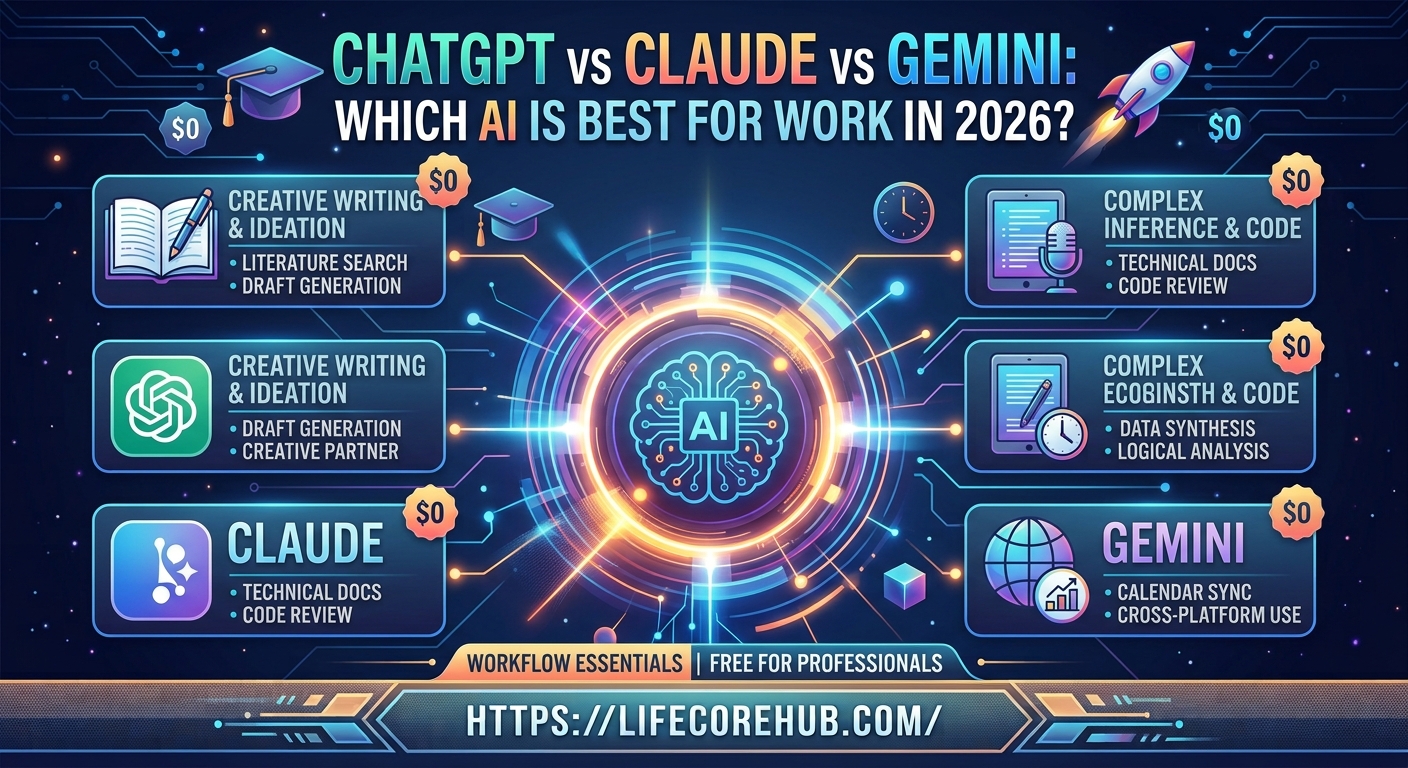
Are you struggling with choosing the right AI assistant to manage your daily workload without wasting money on useless subscriptions? With every tech company claiming their tool is the ultimate assistant, finding the single best AI for work in 2026 can feel overwhelming.
Last month, I found myself drowning in a mountain of spreadsheet data, quarterly planning decks, and endless email drafts. I paid for three different $20 subscriptions at once just to see which platform would actually save my sanity. After putting ChatGPT, Claude, and Gemini through a grueling two-week work test, clear winners emerged for specific workplace tasks. In this guide, we will break down exactly how these three giants compare so you can pick the perfect AI for your daily routine.
Step 1: Evaluating Writing and Communication Quality
If your day involves writing reports, drafting client emails, or creating marketing copy, natural phrasing matters. You need an AI tool that sounds like a human rather than a robotic textbook.
Anthropic’s Claude leads the pack when it comes to nuanced writing. It excels at capturing specific tone guidelines, avoiding cheesy buzzwords, and creating long-form content that reads smoothly.
-
ChatGPT: Great for quick brainstorming and drafting standard emails. It can feel slightly repetitive without heavy prompting.
-
Claude: Exceptional for long documents, nuanced blog posts, and complex business proposals. It naturally adapts to your brand tone.
-
Gemini: Strong at quick status updates and short messages, especially when pulling live info from Google Workspace.
Method 2: Analyzing Coding and Technical Workflows
For software developers, data analysts, and IT professionals, speed and code accuracy are non-negotiable. An AI tool that generates bug-ridden code ends up costing you more time than it saves.
ChatGPT remains a dominant powerhouse for web development, script automation, and general coding tasks thanks to its extensive developer ecosystem. However, Claude has made massive strides in multi-file code editing and complex logical reasoning.
-
Debugging: Claude quickly identifies subtle logic flaws in large scripts without breaking connected files.
-
Code Generation: ChatGPT generates clean, modular code snippets for web frameworks faster than its peers.
-
Data Analysis: Gemini easily handles massive datasets when linked directly to Google Sheets or BigQuery environments.
Method 3: Handling Research and Large Document Context
Need to summarize a 300-page PDF, analyze market reports, or synthesize customer feedback? The size of an AI’s “context window” determines how much data it can digest in a single prompt.
Google’s Gemini easily takes top honors here with its massive multi-million token context capabilities. You can upload entire research books, hours of video recordings, or heavy financial audits without hitting memory limits.
Pro Tip: Never paste confidential customer records or unencrypted financial files into public AI tools. Always check your company’s official security policy first.
-
Gemini: Best for analyzing huge PDF folders, full books, and long meeting recordings in one go.
-
Claude: Best for precise summaries of complex research papers where deep analytical reasoning is needed.
-
ChatGPT: Best for quick online research using live web browsing to pull real-time facts and stats.
[IMAGE 3: Alt Text – “Document scanner and laptop screen uploading a PDF file into Gemini for best AI for work in 2026 review”]
Why Does Workspace Integration Matter for Productivity?
Having a powerful AI model is useless if it sits isolated from the tools you use every single day. Workflow integration is where the choice between these platforms becomes very practical.
Gemini links straight into Gmail, Google Docs, Google Drive, and Google Meet. If your business runs on Google Workspace, Gemini feels like a built-in co-worker that can pull stats from your Drive in seconds.
On the other side, Microsoft Copilot builds on OpenAI’s ChatGPT technology to connect directly into Word, Excel, and Outlook. Meanwhile, Claude offers specialized “Projects” folders where teams can store custom style guides, background docs, and shared instructions.
Comparing the Top AI Models Side-by-Side
To help you make a fast decision, here is how ChatGPT, Claude, and Gemini stack up across key business categories:
Method 4: Fact-Checking and AI Reliability
All generative AI models can occasionally produce wrong information or “hallucinate” facts. According to a 2025 AI accuracy study published by the National Institute of Standards and Technology (NIST), testing models against standardized reasoning benchmarks shows significant variation in error rates across different subject matters.
-
Claude tends to be the most conservative, admitting when it doesn’t know an answer rather than making up facts.
-
Gemini allows you to double-check search grounding directly against live Google queries with a single click.
-
ChatGPT provides source link citations during live web searches so you can verify references manually.
If your job requires zero-error output (such as legal or compliance research), always verify key citations yourself. Results may vary depending on prompt clarity, and double-checking critical data typically takes 5 to 10 minutes.
For more tips on improving writing efficiency, check out our guide on setting up custom AI productivity prompts.
Step 5: Pricing and Subscription Value
Each platform offers a free version alongside a $20 monthly subscription tier. Deciding where to spend your budget comes down to your primary work needs.
If you only need quick help writing emails or asking basic questions, the free versions of ChatGPT or Gemini are more than enough. However, power users who rely on AI daily will easily get $20 worth of value from high-tier plans.
-
Choose ChatGPT Plus if you want an all-in-one multi-tool with custom GPTs, image generation, and voice features.
-
Choose Claude Pro if you spend hours editing text, reviewing code, or writing professional reports.
-
Choose Gemini Advanced if you already pay for Google One storage and work inside Google Docs all day long.
Frequently Asked Questions
Which AI is best for beginner business users in 2026?
ChatGPT is generally the most beginner-friendly platform due to its simple interface, massive community, and pre-built custom tools.
Is Claude better than ChatGPT for long-form writing?
Yes, most writers prefer Claude because it produces more natural sentence structures, avoids cliché fluff, and follows complex tone instructions very closely.
Can I use Gemini for free with my existing Google account?
Yes, Gemini offers a capable free tier accessible directly with any standard Google login.
Which AI tool is safest for sensitive company data?
All three providers offer dedicated Enterprise subscriptions that guarantee your uploaded company data will not be used to train future public models.
Do I need to pay for multiple AI subscriptions at the same time?
No, most professionals only need one paid tier. Pick the tool that aligns with your primary daily task (writing, Google Workspace, or general tasks).
Conclusion
Choosing the single best AI for work in 2026 doesn’t mean finding one tool that does everything perfectly. ChatGPT remains the best overall multi-tool, Claude reigns supreme for writing and analysis, and Gemini wins for Google Workspace integration and massive document handling.
Instead of paying for multiple platforms, start with one tool that solves your biggest daily headache. Test its free tier for a week, track how many hours you save, and upgrade only when your workload demands it.
Which AI tool are you currently using for your daily work, and which feature matters most to your team? Let us know in the comments below!
Disclaimer: This article is for informational purposes only. Software features, pricing, and model capabilities change frequently. Always test tools directly to see what fits your operational requirements.