
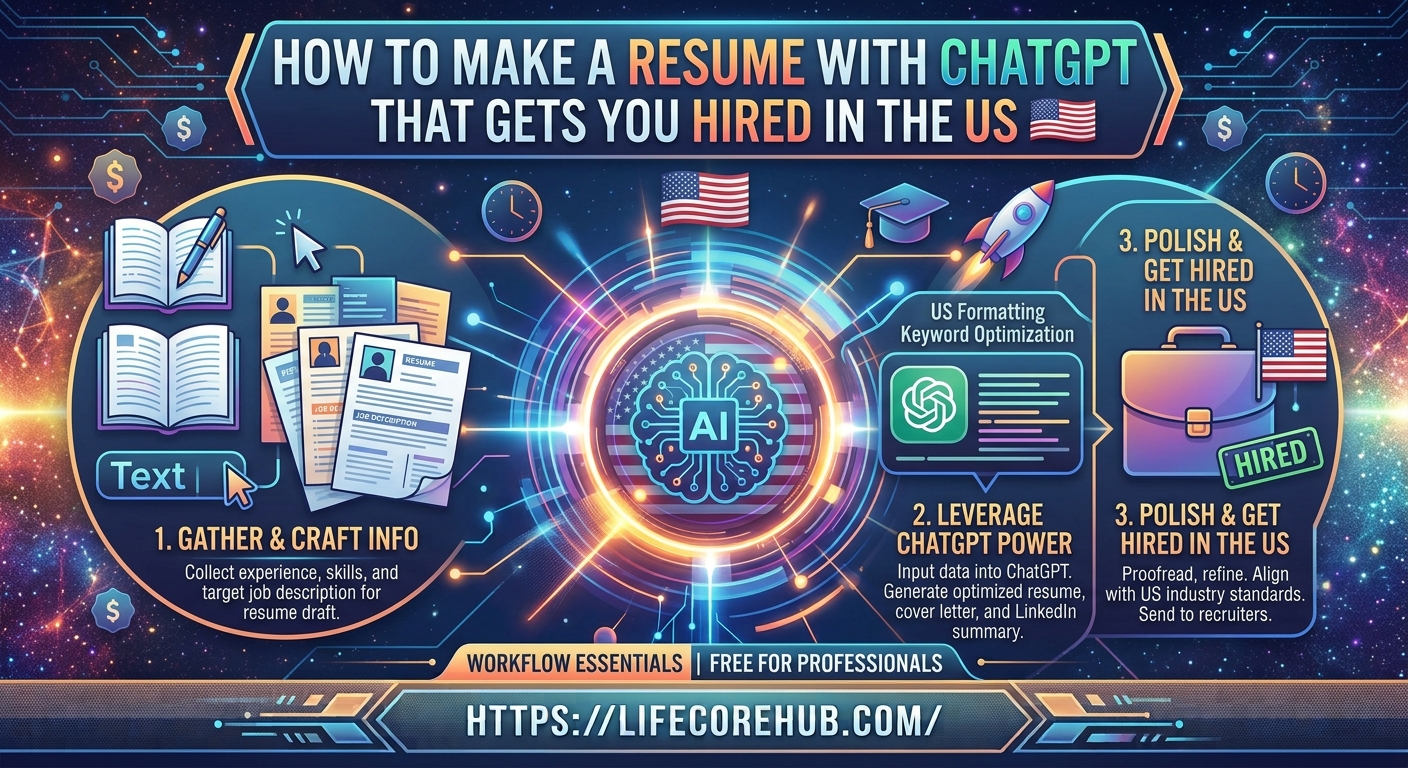
Are you struggling with sending out dozens of job applications only to receive automated rejection emails or hear absolutely nothing back? In the competitive US job market of 2026, most companies use Applicant Tracking Systems (ATS) to filter resumes before a human recruiter ever sees them. If your document isn’t optimized correctly, your qualifications might never actually reach a hiring manager.
I remember my own job hunt three years ago—I spent hours manually tweaking bullet points for every single application. When I started using AI to tailor my experience to specific job descriptions, my interview request rate tripled almost overnight. In this guide, we will walk through exactly how to make a resume with ChatGPT that is ATS-friendly, professional, and designed to get you hired.
Step 1: Prepare Your Raw Data for ChatGPT
Before opening the AI, you need to gather your “career fuel.” ChatGPT cannot pull details from thin air, so you must provide the context to get high-quality results.
Create a simple text document containing:
-
Work History: Dates, company names, and your main job titles.
-
Key Achievements: Quantifiable wins (e.g., “Increased sales by 20%” or “Managed a team of 5”).
-
Education & Skills: Relevant certifications, software proficiencies, and degrees.
Once you have this, you are ready to prompt the AI to draft your content.
Method 2: Use the “Reverse-Engineering” Prompt
Instead of asking ChatGPT to “write a resume,” you need to feed it the specific job description you want. This helps the AI identify the exact keywords the ATS is scanning for.
Use this structured prompt format:
“Act as an expert US career coach. I am applying for the role of [Job Title] at [Company Name]. Here is the job description: [Paste Description]. Here is my work history: [Paste Your Data]. Please rewrite my experience bullet points to highlight the skills required in this job description using the STAR method (Situation, Task, Action, Result).”
Method 3: ATS-Proofing Your Formatting
Even if the content is perfect, a complex design can cause an ATS to fail while parsing your file. Avoid tables, columns, graphics, or images, as these often scramble the text.
Keep your document layout clean and standard:
-
File Format: Always save and upload as a PDF or .docx.
-
Fonts: Use standard, readable fonts like Arial, Calibri, or Georgia.
-
Structure: Use clear headings like “Professional Summary,” “Experience,” and “Skills.”
Why Does Keyword Optimization Matter?
ATS software ranks candidates based on keyword density. If the job description asks for “Project Management,” “Data Analysis,” and “CRM software,” your resume must contain those exact phrases.
ChatGPT is excellent at identifying these hidden requirements. After generating your bullet points, ask the AI:
“Compare my resume draft to the job description. List the top 5 missing keywords that I should include to increase my ATS match score.”
Comparing AI Resume Tools Side-by-Side
To help you choose your workflow, here is how different AI tools stack up for US-based job applications:
Method 4: Humanizing the AI Output
AI-generated text can sometimes sound overly formal or repetitive (“unleashed,” “spearheaded,” or “mastered”). Recruiters read hundreds of resumes a day; yours needs to sound like a real person.
-
Check for Fluff: Remove overused adjectives. Replace generic statements with specific numbers.
-
Review for Accuracy: Ensure the dates and company names are 100% correct.
-
Add Personality: Include a short “Professional Summary” at the top that states exactly who you are and the value you bring in two sentences.
For more advice on professional networking, read our [guide on optimizing your LinkedIn profile for recruiters].
Step 5: Final Quality Control Checklist
Before hitting “Apply,” perform a final scan to ensure the AI didn’t hallucinate skills you don’t possess. According to CareerOneStop, sponsored by the U.S. Department of Labor, consistency in your employment dates and contact information is the most common reason for application disqualification.
-
[ ] Do the dates match my LinkedIn profile exactly?
-
[ ] Is my email professional (name-based, not nicknames)?
-
[ ] Did I include a link to my portfolio or GitHub if applicable?
-
[ ] Is the resume under two pages?
Frequently Asked Questions
Will recruiters know if I used ChatGPT for my resume?
Not if you edit it. Recruiters notice “AI-speak” when the text is generic. Personalize every bullet point with your own real-world numbers and specific experiences.
Can I use the same resume for every job application?
No. You should tweak your summary and key skills for every specific job description to ensure you pass the ATS filters for that specific role.
Does ChatGPT save my personal data?
OpenAI may use data from the free version to train models. For sensitive career information, use the “Temporary Chat” feature or an Enterprise account.
How long should a US resume be in 2026?
For most professionals with under 10 years of experience, one page is standard. Senior leaders can extend to two pages.
Is it legal to use AI for job applications?
Yes, using AI as a writing assistant is standard practice. You are responsible for the accuracy of the information provided in your application.
Conclusion
Learning how to make a resume with ChatGPT can save you hours of work and significantly boost your chances of passing automated screening systems. By treating the AI as a research partner rather than a replacement for your own experience, you create a polished, keyword-optimized document that highlights your true value.
Start by tailoring your experience for the next job you plan to apply for today. Take 15 minutes to prompt the AI with the specific job description, audit the results for accuracy, and send out an application that finally reflects your actual potential.
What is the biggest challenge you face when trying to get your resume past automated screening systems? Let us know in the comments below!
Disclaimer: This article is for informational purposes only. Results may vary depending on your industry and the specific ATS software used by employers. Always review and verify all information in your resume before submission.