
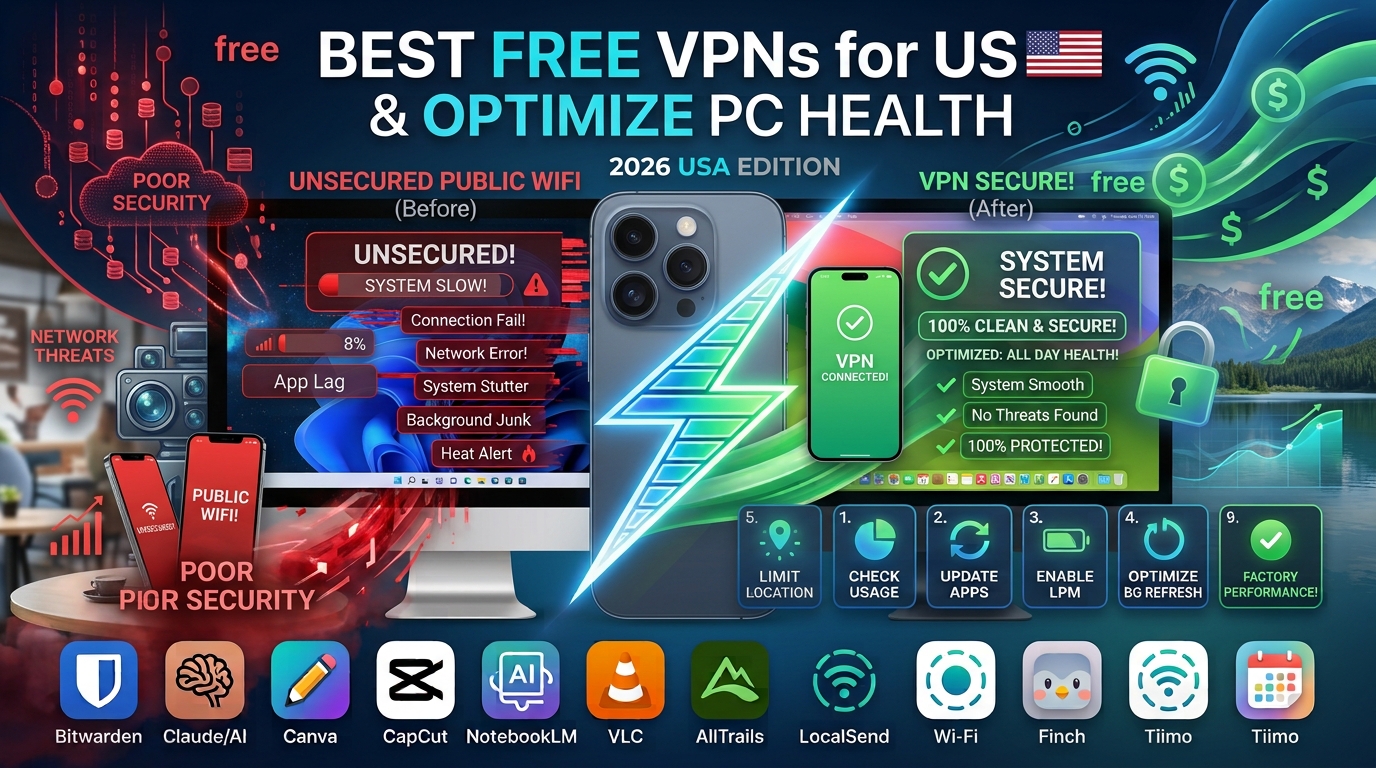
We have all been there: sitting in a bustling coffee shop or waiting at the airport, desperate to catch up on emails or check our bank balance. The local “Free Guest Wi-Fi” seems like a lifesaver. However, what most users don’t realize is that public networks are essentially digital open houses. Without protection, any skilled person on that same network can theoretically “sniff” your traffic to intercept passwords, personal messages, or session cookies.
I remember my own wake-up call years ago. While traveling for work, I logged into an unsecured hotel network to handle a sensitive client document. Within hours, I received a security alert about an unauthorized login attempt from a different state. It wasn’t a coincidence; it was a consequence of unprotected browsing.
To stay protected without committing to expensive monthly subscriptions, you need a Virtual Private Network (VPN). A VPN creates an encrypted “tunnel” for your data, making it unreadable to hackers even if they manage to intercept it. Here are the most reliable, privacy-focused free VPNs for the USA that prioritize your safety over data harvesting.
Why You Need a VPN on Public Networks
Public Wi-Fi networks rarely encrypt the connection between your device and the router. This creates a vulnerability known as a Man-in-the-Middle (MitM) attack. Essentially, an attacker positions themselves between you and the connection point, acting as a silent observer.
When you use a VPN, your traffic is routed through a secure, encrypted server before reaching the internet. Even if someone intercepts your data packets, all they will see is scrambled, unintelligible code.
Key benefits of using a VPN on public Wi-Fi:
-
Data Encryption: Protects login credentials and personal emails from being stolen.
-
Anonymity: Hides your real IP address from website trackers and local network administrators.
-
Safe Banking: Adds a layer of security when accessing financial accounts on the go.
What Makes a “Safe” Free VPN?
Finding a free VPN is easy; finding a trustworthy one is hard. Many “free” services in the app store are actually malicious, designed to sell your browsing history to third-party advertisers or inject malware into your device.
When choosing a free VPN, I look for these three non-negotiables:
-
No-Logs Policy: The provider must explicitly state (and ideally have audited) that they do not store records of your browsing activity.
-
Transparency: The company should have a clear business model—usually a “freemium” plan where the paid users subsidize the free ones.
-
Strong Protocols: Look for modern standards like WireGuard or OpenVPN rather than older, insecure legacy protocols like PPTP.
Top Recommended Free VPNs for USA Users
The following providers offer excellent “Free Tier” plans that are perfect for occasional travelers or students who need quick security without a recurring bill.
1. Proton VPN (The Best Overall)
Proton VPN is widely considered the gold standard for free security. Based in Switzerland—a country with some of the world’s strongest privacy laws—they offer a free plan that is genuinely “unlimited.“
-
Pros: No data caps, no ads, and the same high-level encryption (AES-256) as their paid tier.
-
Performance: While you cannot choose specific servers (it auto-connects to the fastest available), the speeds are consistently good enough for browsing and secure messaging.
-
Best For: Users who want “set it and forget it” security without worrying about hitting a data limit.
2. PrivadoVPN
If you need a bit more control over your connection location, PrivadoVPN is a fantastic choice. Their free plan gives you a generous 10GB of data per month—plenty for casual web browsing and emails while traveling.
-
Pros: Access to servers in major US cities (like New York, LA, and Chicago), which helps maintain fast speeds.
-
Security: They maintain a strict no-logs policy and are based in Switzerland, similar to Proton.
-
Best For: Users who need a specific US server location for better latency during travel.
3. Windscribe
Windscribe is famous for its generous data allowance and user-friendly interface. While their standard free plan starts at 2GB, you can easily boost this to 10GB by confirming your email address.
-
Pros: Excellent “R.O.B.E.R.T.” feature, which acts as a built-in ad and tracker blocker at the network level.
-
Versatility: They offer browser extensions that are incredibly lightweight for quick, on-the-fly protection.
-
Best For: Power users who want extra control over ad-blocking and tracking protection.
How to Set Up Your VPN Safely
Installing a VPN is a straightforward process, but for maximum security, follow these steps to ensure you are protected before you even open your browser.
The Setup Sequence
-
Download from Official Sources: Never download a VPN from a third-party link or an email attachment. Go directly to the official website (e.g.,
protonvpn.com). -
Enable “Kill Switch”: This is the most important setting. If your VPN connection drops unexpectedly, the “Kill Switch” instantly blocks your internet access, preventing your data from leaking onto the public network.
-
Choose the Right Protocol: If given the choice in settings, select WireGuard. It is the fastest and most modern protocol available today.
-
Connect Before Browsing: Open the VPN app, tap “Quick Connect,” and wait for the confirmation message before opening Chrome, Safari, or your email app.
Common Mistakes That Put You at Risk
Even with a VPN, you can still compromise your security through simple human error. Avoiding these traps is just as important as using software protection.
-
Assuming 100% Anonymity: A VPN protects your data from hackers, but it does not make you invisible to the sites you visit. If you log into Facebook while the VPN is on, Facebook still knows who you are.
-
Ignoring “Certificate Warnings”: If your browser warns you that a site’s security certificate is invalid, do not proceed, even if you have a VPN on. This is a classic sign of a malicious site designed to steal information.
-
Using Too Many Free Tools: Don’t install three different free VPNs on your phone. They will conflict with each other’s network configurations and potentially cause connection leaks. Stick to one reliable provider.
When to Upgrade to a Paid Plan
Free VPNs are excellent for basic web browsing and email, but they have limitations. If your digital habits change, you might find the free experience frustrating.
Consider a paid upgrade if:
-
You Stream Media: Free tiers almost always block streaming services (Netflix, Hulu, etc.) to save bandwidth.
-
You Need Multiple Devices: Most free plans limit you to one device at a time. A paid plan allows you to protect your phone, laptop, and tablet simultaneously.
-
You Are a Frequent Traveler: If you are abroad and need access to US-exclusive content, premium plans offer a wider variety of global server locations.
Final Thoughts: Prioritize Your Digital Hygiene
At the end of the day, a VPN is just one tool in your security toolkit. The best defense against cyber threats is a mix of good software and smart habits.
If you are currently on public Wi-Fi, take these three actions right now:
-
Turn on your VPN.
-
Enable Two-Factor Authentication (2FA) on your primary email and banking apps.
-
Use HTTPS Everywhere: Most modern sites use it by default, but ensure you see the padlock icon in your browser address bar before entering any sensitive data.
By staying proactive, you can enjoy the freedom of working from anywhere without the constant worry of digital intruders.
Frequently Asked Questions (FAQs)
Is it legal to use a VPN in the USA?
Yes, using a VPN is perfectly legal in the United States. VPNs are standard tools used by businesses and individuals to protect privacy and secure data.
Will a free VPN slow down my internet speed?
Yes, slightly. Because your data has to travel to an extra server before reaching the internet, you may notice a slight drop in speed. However, with modern protocols like WireGuard, this is usually negligible for tasks like web browsing.
Do free VPNs really have “no logs”?
The reputable ones listed above (Proton, Privado, Windscribe) have been independently audited. However, always read the privacy policy. If a VPN service claims to be “100% free” and requires no limits, be skeptical—they might be monetizing your data.
Can I use a VPN on my phone?
Absolutely. All recommended providers have dedicated apps for iOS and Android. It is arguably more important to use a VPN on your phone, as mobile devices switch between Wi-Fi networks constantly, often connecting to insecure ones automatically.
Should I leave my VPN on all the time?
For most users, yes. Leaving it on ensures you are always protected, even if you accidentally join an unsecured network. Most modern VPN apps are optimized to have zero impact on battery life when not actively transferring data.