
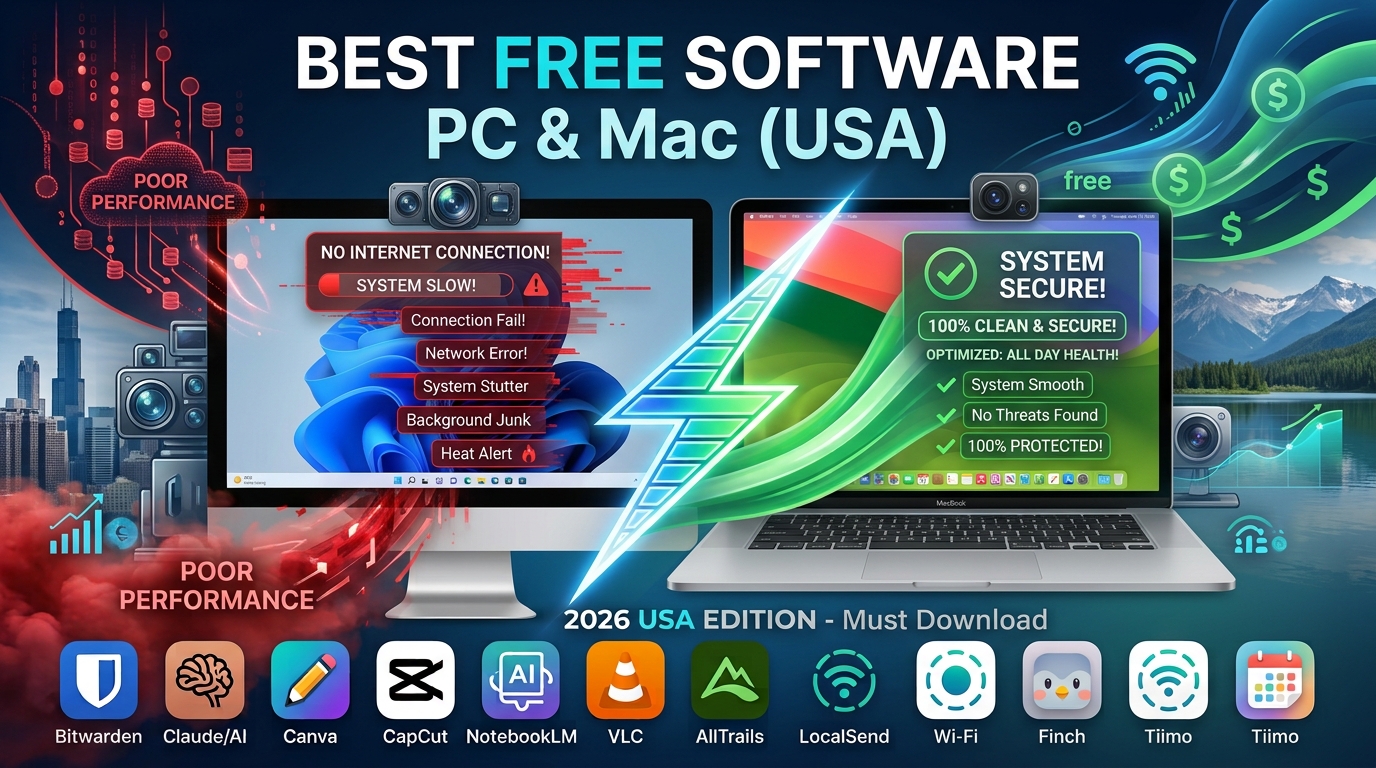
When setting up a new computer or cleaning up an old one, the biggest mistake is installing “bloatware” that slows your system down. As an SEO professional and tech enthusiast, I’ve vetted thousands of applications. The tools below are the “Gold Standard”—they are free, open-source or freemium, privacy-focused, and essential for productivity.
Avoid the “System Cleaner” apps you see in ads; the software listed here performs better without risking your system stability.
1. Web Browsing & Security
Your browser is your primary gateway to the internet. Replace the default options with tools that prioritize your privacy.
-
Brave Browser (Windows & Mac): Built on the same engine as Chrome, so all extensions work perfectly, but it comes with a native ad-blocker and tracker-blocker enabled by default. It is noticeably faster than Chrome because it doesn’t load invasive ad scripts.
-
Bitwarden (Password Manager): Never reuse a password again. Bitwarden is open-source, audits its code regularly, and syncs across all your devices for free. It is significantly more trustworthy than browser-based password saving.
-
Malwarebytes Free: Use this strictly for “on-demand” scanning. If your computer feels sluggish or acts strangely, a quick scan with the free version of Malwarebytes can identify and remove hidden adware that standard antivirus might miss.
2. Productivity & File Management
These tools replace expensive subscriptions and handle common file frustrations with ease.
-
LibreOffice: If you don’t want to pay for Microsoft 365, this is the best alternative. It handles Word documents, Excel spreadsheets, and PowerPoint presentations perfectly and is compatible with all standard file formats (
.docx,.xlsx, etc.). -
Notion: The ultimate all-in-one workspace. Whether you are tracking home projects, building a reading list, or managing a small business, Notion’s free personal tier is incredibly powerful and syncs across web, desktop, and mobile.
-
7-Zip (Windows) / The Unarchiver (Mac): Windows handles basic ZIP files, but for complex archives (RAR, 7z, TAR), you need specialized tools. 7-Zip is the lightweight standard for Windows; The Unarchiver is the “set-it-and-forget-it” choice for Mac.
3. Media Consumption & Editing
Stop struggling with file formats. These tools play anything and edit efficiently.
-
VLC Media Player: The universal player. If a video file won’t open on your computer, VLC will play it. It is lightweight, supports every codec imaginable, and has zero ads.
-
DaVinci Resolve: For those interested in video editing, this is industry-grade software. The free version is incredibly robust, allowing for professional color correction, visual effects, and multi-track editing without watermarks.
-
GIMP (GNU Image Manipulation Program): A powerful alternative to Adobe Photoshop. It has a steeper learning curve, but it offers professional-grade layers, masks, and filters for free.
4. System Maintenance & Customization
Keep your OS running smoothly without paying for “cleaner” software that often does more harm than good.
-
PowerToys (Windows): Created by Microsoft for power users. It adds features like “FancyZones” (for advanced window snapping), a bulk file renamer, and a quick image resizer. It is a must-have for Windows 11 efficiency.
-
Rectangle (Mac): macOS lacks advanced window snapping by default. Rectangle allows you to drag windows to the edges of your screen to snap them into halves or quarters, dramatically improving your multitasking workflow.
-
OBS Studio: If you ever need to record your screen, stream to Twitch/YouTube, or create a quick tutorial, OBS is the industry standard. It is completely free, open-source, and extremely high-quality.
Summary of Essential Downloads
| Category | Windows Recommendation | Mac Recommendation |
| Browser | Brave | Brave |
| Security | Bitwarden | Bitwarden |
| Office | LibreOffice | LibreOffice |
| Media Player | VLC | VLC |
| Utility | PowerToys | Rectangle |
Frequently Asked Questions (FAQs)
Are “Free” versions of software safe?
Generally, yes, if downloaded from the official developer website. Avoid third-party “downloader” sites (like CNET or Softonic), as they often bundle junkware or malware with legitimate installers. Always check the URL before clicking download.
Will these apps slow down my computer?
Most of the tools above (like VLC, 7-Zip, and PowerToys) are highly optimized and use minimal resources. However, avoid keeping too many background-heavy apps open at once. If your PC is slow, focus on closing browser tabs rather than deleting utility software.
Do I really need an Antivirus app in 2026?
For most users, Windows Security (built-in) and macOS’s XProtect are sufficient. As long as you keep your system updated and avoid clicking suspicious links, you do not need third-party antivirus software. Use Malwarebytes only if you suspect an infection.
Why not use “Cleaner” apps like CCleaner?
Modern Windows and macOS have built-in storage management tools (Storage Sense on Windows, Optimized Storage on Mac) that are safer and more effective. Many third-party cleaners can accidentally delete system registry keys, potentially causing stability issues.