
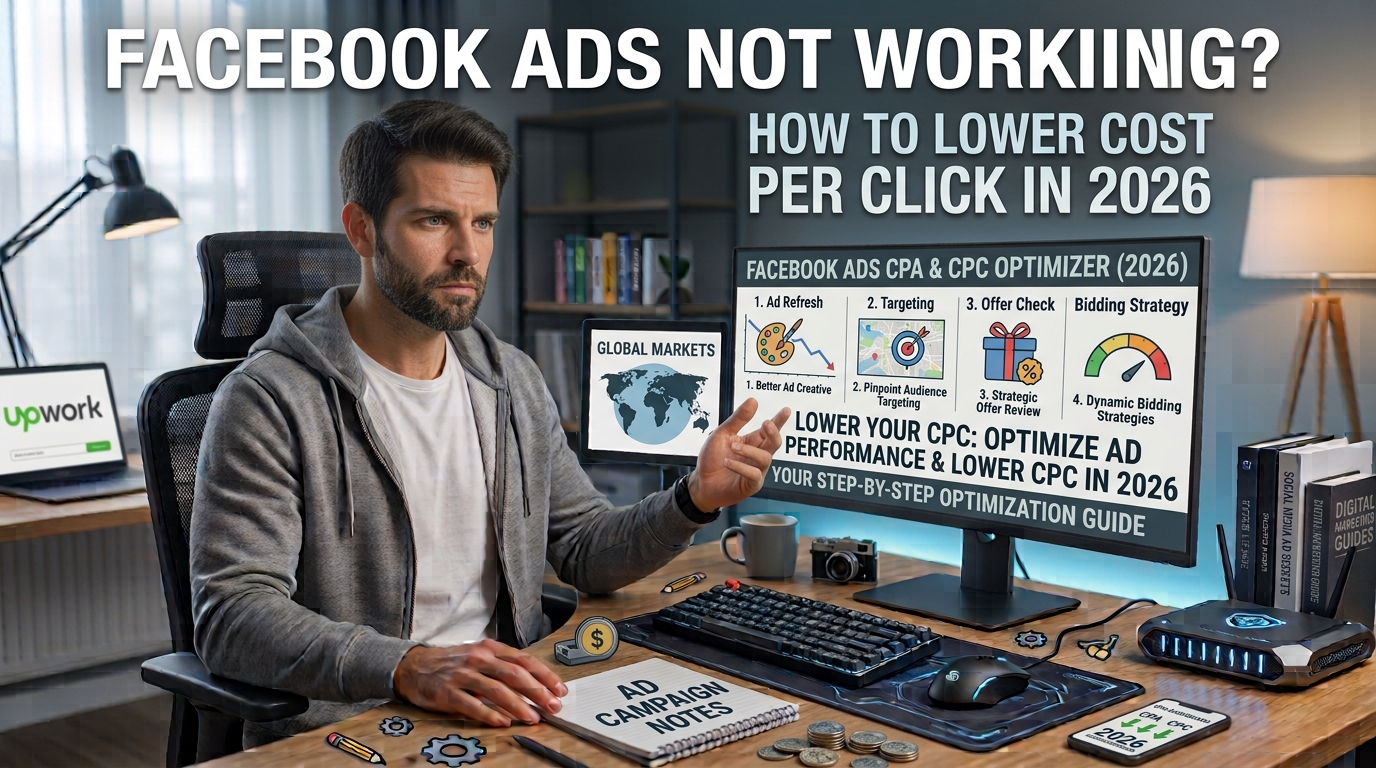
Watching your ad budget vanish while your conversion metrics stay flat is one of the most frustrating experiences in digital marketing. I remember logging into Ads Manager a few months back, only to find my Cost Per Click (CPC) climbing above $4.50 while link clicks dropped significantly. The campaigns that once generated steady traffic and leads suddenly stopped performing, despite my targeting remaining unchanged.
If your Facebook ads are underperforming in 2026, you are far from alone. Broader algorithm updates, privacy changes, and increased ad saturation across Meta’s family of apps have changed the advertising landscape. Relying on outdated strategies like hyper-narrow targeting or basic stock image ads often leads to inflated costs.
To lower your Cost Per Click and improve your return on ad spend, you need to align your campaigns with how Meta’s delivery systems prioritize engagement today. In this guide, I will walk you through the practical, battle-tested adjustments that helped me lower my CPC by over 45% and regain consistent traffic.
1. Upgrade Your Ad Creatives for Instant Hook Rate
The modern Facebook algorithm heavily rewards ads that capture immediate attention. If users scroll past your ad within the first second, Meta interprets your content as uninteresting, leading to lower ad delivery quality scores and higher costs.
Move Away from Generic Stock Visuals
User feeds are flooded with overly polished, corporate stock photos. Audiences tend to ignore these automatically.
-
Use Native-Looking Assets: Content that resembles regular user posts (User-Generated Content style) performs noticeably better than studio-quality ads.
-
Show Real Humans: Images or short videos featuring actual people using or holding a product generally achieve higher click-through rates (CTR) than isolated product renders.
-
Add Clear Contrast: Utilize bright, contrasting colors and bold text overlays so your ad visually breaks through the social feed.
Optimize the First Three Seconds
When using video ads, the opening moment determines your cost efficiency.
-
Start with a visual pattern interrupt—such as showing a common problem immediately rather than displaying a brand logo.
-
Add on-screen captions immediately, as a significant portion of Facebook users scroll through their feeds with sound disabled.
-
Keep video messaging focused on a single, compelling benefit rather than attempting to cover multiple features at once.
2. Shift to Broader Targeting Strategies
A common mistake advertisers make when costs rise is narrowing their audience further. In 2026, stacking multiple demographic filters, detailed interests, and behavior layers often drives costs up rather than down.
Trust Meta’s Machine Learning
Meta’s Advantage+ audience tools use real-time user behavior to identify who is most likely to click and convert.
-
Broad Targeting: Set basic geographic and age ranges, then let the ad creative do the targeting work. The algorithm evaluates who engages with your ad image and text, then finds similar users automatically.
-
Combine Micro-Audiences: Instead of running five separate ad sets targeting small, niche interest lists, consolidate them into one larger ad set. Larger audience pools allow the algorithm to bid more efficiently in auctions.
Refresh Your Lookalike Audiences
If you use lookalike audiences, historical data lists may need updating.
-
Build new lookalikes based on high-intent actions—such as past 60-day purchasers or users who completed a sign-up form—rather than general page visitors.
-
Test 3% to 5% lookalike windows to give the delivery engine enough room to optimize cost per auction.
3. Improve Your Ad Quality and Engagement Signals
Meta calculates your total bid score using three main components: your monetary bid, estimated action rates, and overall ad quality. If your ad quality score drops, you are forced to bid higher to win placements.
Write Clear, Action-Oriented Ad Copy
Confusing or overly clever copy often hurts performance. Direct messaging clearly communicates value to interested users.
-
Focus on the Core Benefit: Explain what the user gains or solves within the first two lines of text before the “See More” button cuts off your preview.
-
Use Explicit Calls to Action: Tell the reader exactly what to do next (e.g., “Tap Learn More to read the full guide” or “Explore available options today”).
-
Eliminate Engagement Bait: Avoid asking users to “Like, Share, or Comment” directly in the ad text. Meta’s policy systems detect engagement baiting and reduce reach, increasing costs.
Monitor and Clean Your Comments Section
Negative comments under your active ads directly lower your quality ranking.
-
Check your active ads daily and respond professionally to questions or customer service inquiries.
-
Use Ads Manager moderation settings to automatically hide spam, abusive language, or scam links posted in your comment threads.
4. Optimize Placement and Bidding Settings
Relying purely on default settings without monitoring placement performance can waste significant budget on low-converting placements.
Audit Your Placements in Ads Manager
Not all ad placements deliver equal click quality.
-
Use the Breakdown menu in Ads Manager and select By Placement.
-
Examine where your budget goes versus where actual clicks originate. If placements like Audience Network or right-column desktop ads generate accidental clicks without engagement, uncheck those specific placements.
-
Focus budget allocations primarily on Facebook Feed, Instagram Feed, and Stories/Reels placements where user interaction remains highest.
Test Campaign Budget Optimization (CBO)
If you manage multiple ad sets within a campaign, manual budget allocation can lead to overspending on weaker audiences.
-
Switch to Advantage Campaign Budget (formerly CBO) at the campaign level.
-
Allow Meta to allocate daily funds dynamically toward the ad set performing best during real-time auctions.
5. Match Your Landing Page to Your Ad Message
Lowering your Cost Per Click requires converting those clicks into meaningful actions. If a user clicks your ad but bounces from your website within two seconds, Meta tracks this negative post-click experience, raising future ad costs.
Maintain Visual and Message Consistency
-
Ensure the headline on your landing page matches the primary promise made in your Facebook ad.
-
Use consistent brand colors, images, and fonts so visitors immediately know they landed in the right place.
Optimize Site Speed and Mobile Usability
Over 90% of Facebook users browse via mobile devices.
-
Compress landing page images to ensure your page loads in under two seconds on standard 4G and 5G connections.
-
Simplify page layouts by using readable fonts, clear spacing, and prominent buttons that are easy to tap on a mobile screen.
Summary Action Plan to Lower Facebook CPC
| Strategy Area | Recommended Action | Expected Impact |
| Ad Creative | Replace stock photos with UGC-style visuals | Higher CTR, lower delivery cost |
| Audience Targeting | Consolidate small interest groups into broad audiences | More efficient auction bidding |
| Ad Quality | Remove engagement bait and moderate comment sections | Improved quality diagnostics score |
| Placement Selection | Exclude low-converting placements based on data breakdown | Reduces wasted ad spend |
| Landing Page | Improve mobile page load speed under 2 seconds | Better post-click engagement signals |
Wrap Up
Fixing underperforming Facebook ads requires shifting focus away from manual workarounds and leaning into creative optimization, clean user experiences, and machine-learning-friendly targeting. By refreshing your ad visuals, broadening your audience pools, maintaining message consistency, and eliminating low-performing placements, you can effectively reduce your Cost Per Click and get your campaigns back on track.
Start by reviewing your top three spending campaigns today. Test two new native-style creative formats alongside a broader targeting structure, and monitor your CTR over the next seven days.
Frequently Asked Questions (FAQs)
What is a good Cost Per Click (CPC) on Facebook?
A “good” CPC varies significantly depending on your industry, target location, and campaign objective. On average across global markets, a CPC between $0.80 and $2.00 is considered healthy for traffic campaigns. Highly competitive industries like legal, finance, or B2B SaaS often see higher average costs, while entertainment and retail often see lower costs.
Why did my Facebook ad CPC suddenly spike?
CPC spikes usually happen for a few common reasons: ad fatigue (your target audience has seen the same creative too many times), increased seasonal auction competition (such as Q4 holidays), or a drop in your ad quality diagnostics score. Changing your creative assets or broadening your target audience typically helps resolve sudden cost increases.
Should I choose Clicks or Conversions as my campaign objective?
If your primary goal is generating leads, sales, or sign-ups, always choose the Conversions or Leads objective rather than Traffic/Clicks. While Traffic campaigns deliver a cheaper CPC, the quality of those clicks is often much lower because Meta optimizes specifically for people who click links rather than people who buy or complete forms.
How often should I refresh my Facebook ad creatives?
For smaller ad budgets ($20–$50 per day), refreshing ad creatives every 3 to 4 weeks is usually sufficient. For larger daily budgets ($200+ per day), ad fatigue sets in faster, meaning you may need to introduce new images, videos, or headlines every 7 to 14 days to keep performance stable.